Why You Should Never Upload Your Passport Photo to a Free Online Editor
Free online photo editors are convenient — but when the image is your passport photo, you're handing over your identity. Here's what actually happens to uploaded files, the risks you can't undo, and how to edit ID photos safely in your browser.
- privacy
- passport photo
- identity theft
- image editing
- security
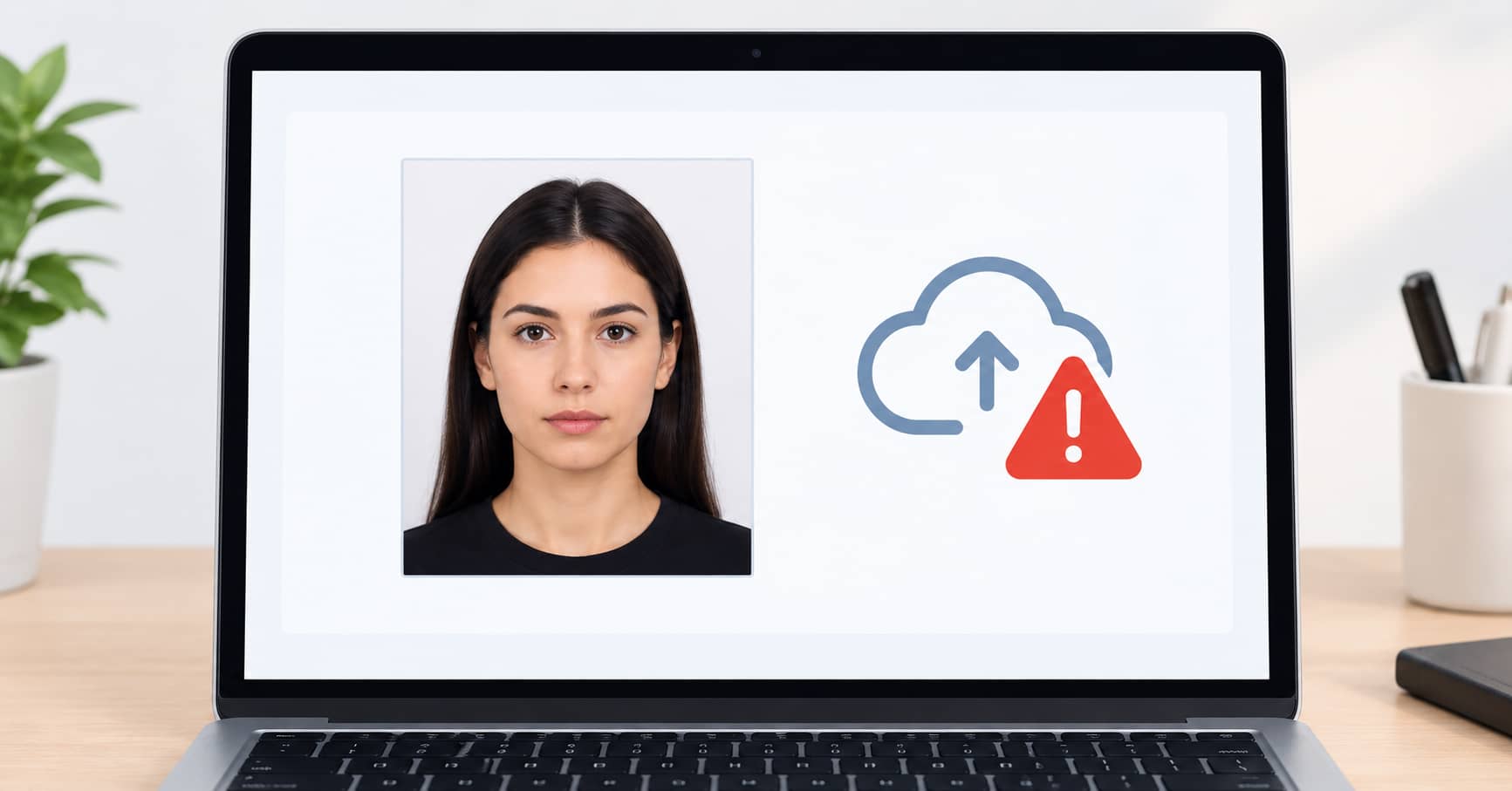
You need a passport photo. The requirements are strict — exact dimensions, plain background, correct head size. So you search for "free passport photo editor," find a polished-looking site, upload your photo, and download the result.
That photo is now on someone else's server.
A passport photo isn't just a picture. It's a biometric identifier tied to your name, nationality, date of birth, and passport number. Combined with the other details you've probably entered on the same site — or that can be inferred from your IP address and browser fingerprint — it's the raw material for identity fraud.
This isn't a hypothetical risk. It's a structural problem with how free online tools work. Here's what actually happens when you upload, and how to get the same result without exposing your identity.
What actually happens when you upload a photo
When you upload an image to a cloud-based editor, it doesn't just process and disappear. Here's the typical chain:
1. The file is transmitted to a server
Your photo travels over the internet to a server you don't control, in a country you may not know. Even with HTTPS, it's now on hardware owned by someone else.
2. It's stored — often for longer than you think
Most services retain uploaded files in one of these ways:
| Storage behavior | What it means for you |
|---|---|
| Deleted after processing | Rare. And you have no way to verify it. |
| Cached for hours or days | Common. Your photo sits on their servers long after you close the tab. |
| Stored in backups | Even if deleted from the main server, it may persist in backups for months. |
| Used for "service improvement" | Buried in terms of service. Could mean training, analysis, or resale. |
| Retained indefinitely | Some free tools keep everything. Their privacy policy may not even mention photos. |
3. It may be accessible to employees or attackers
A server holding thousands of passport photos is a valuable target. Data breaches at image-processing services have happened. And internal access controls vary wildly — some services have no meaningful restrictions on who can view uploaded files.
4. Metadata travels with it
Your photo may contain EXIF data: GPS coordinates of where it was taken, the device model, timestamp, and sometimes a thumbnail of the original image. Even after "processing," metadata can persist depending on the tool.
The specific risks for passport photos
A passport photo on its own is a problem. Combined with other data, it becomes dangerous.
Identity fraud and synthetic identity creation
A high-resolution passport photo is a primary identity document. Fraudsters use them to:
- Create fake passports or visas in other countries
- Open accounts with identity verification that relies on photo matching
- Build synthetic identities — combining a real photo with fabricated details
- Bypass liveness checks and KYC (Know Your Customer) systems
The photo doesn't need to be perfect. Modern identity verification systems can be gamed with a clear, forward-facing image of a real person.
Facial recognition and biometric harvesting
Some free tools exist specifically to harvest biometric data. A clear, well-lit, forward-facing photo is exactly what facial recognition systems need for training. Once your photo is in that dataset, it's there permanently — and you have no way to remove it.
Targeted scams and social engineering
A passport photo reveals your approximate age, nationality, and ethnicity. Combined with an email address (which many tools require) and possibly a name, it's enough for convincing phishing or impersonation attempts.
The "free" business model problem
Free tools have to pay for servers somehow. Common models:
- Advertising — relatively benign
- Email capture and list selling — annoying but survivable
- Data resale — photos and personal data sold to third parties
- Upsell funnels — you upload free, then get hit with a paywall for the "proper" version
The tools that are most polished and easiest to find are often the ones with the most aggressive data practices.
What the privacy policies actually say
Most free photo editors have privacy policies that are vague about photo retention. Common phrases and what they mean:
| What they say | What it often means |
|---|---|
| "We respect your privacy" | Meaningless. Look for specifics. |
| "Files are deleted after processing" | May be true, may not. No verification possible. |
| "We may use your data to improve our services" | Your photo could be used for training or analysis. |
| "We share data with trusted partners" | Your photo may leave their servers. |
| No privacy policy at all | Your data has no protection. Assume the worst. |
If a tool doesn't state a specific retention period and deletion process, assume the file is kept indefinitely.
The safe alternative: browser-based editing
The solution isn't to avoid editing your passport photo. It's to edit it without uploading.
Modern browsers can do everything a cloud editor does — cropping, resizing, compressing, adjusting background — using JavaScript running locally on your device. The photo never leaves your computer or phone.
| Concern | Cloud editor | Browser-based editor |
|---|---|---|
| Photo leaves your device | Yes | No |
| Server storage | Unknown duration | None |
| Metadata exposure | Possible | You control it |
| Data breach risk | Yes | None |
| Works offline | No | Yes |
| Account required | Often | No |
| Cost | "Free" with hidden costs | Actually free |
The crop image tool, image resizer, and image compressor all run entirely in your browser. You can verify this yourself: open your browser's developer tools, go to the Network tab, and upload a photo. You'll see no outbound request carrying the file.
How to prepare a passport photo safely
Step 1: Take the photo at home
Modern phone cameras are more than adequate. Use a plain, light-colored background, face the light, and keep a neutral expression. Most countries have similar requirements: neutral expression, no glasses, no head covering (except for religious reasons), and a plain background.
Step 2: Open a browser-based editor
Use a tool that processes locally. The crop image tool lets you set the exact dimensions required by your country's passport authority.
Step 3: Crop to the exact specification
Passport photo dimensions vary by country:
| Country | Size | Head height |
|---|---|---|
| United States | 2 × 2 inches (51 × 51 mm) | 1 to 1 3/8 inches |
| United Kingdom | 35 × 45 mm | 29–34 mm |
| India | 51 × 51 mm | 1 to 1 3/8 inches |
| Canada | 50 × 70 mm | 31–36 mm |
| Australia | 35 × 45 mm | 32–36 mm |
Set these exact dimensions in the image resizer after cropping.
Step 4: Remove metadata
Browser-based tools typically strip EXIF data automatically. Check the output file's properties — if you see GPS coordinates or device info, use a different tool.
Step 5: Compress if needed
Some government portals have file size limits. The image compressor reduces size without visible quality loss.
What to do if you already uploaded
If you've already uploaded a passport or ID photo to a free online editor:
- Check the tool's privacy policy for retention and deletion terms. If there's a deletion option, use it.
- Assume the file may be retained. You can't verify deletion, so plan accordingly.
- Monitor for identity fraud. Consider a credit freeze or identity monitoring service if you're in a country where that's available.
- Change passwords on any accounts that use the same email you provided.
- Don't reuse that photo. If you need a passport photo again, take a new one and edit it locally.
- Report the site if its privacy practices seem deceptive. In many jurisdictions, data protection authorities accept complaints.
The bottom line
A passport photo is a biometric identifier, not a casual snapshot. Uploading it to a free online editor means trusting an unknown company with your identity — often with no clear retention policy, no verification of deletion, and no recourse if something goes wrong.
The safe path is simple: edit your passport photo in your browser. The crop image tool, image resizer, and image compressor all run locally. Your photo stays on your device. No upload, no server, no risk.